
简介:
PostgreSQL 和 TimeScale 关系:可以简单认为 TimeScale 是 PostgreSQL 的一种插件,用来专门处理时序数据。
下载地址:
我 Win10 使用的 14版本,所以对应的下载地址为:
- PostgreSQL 14.20
https://www.enterprisedb.com/downloads/postgres-postgresql-downloads
版本号:postgresql-14.20-2-windows-x64.exe - TimeScaledb 14
https://github.com/timescale/timescaledb/releases?page=5
版本号:2.9.3 (2023-02-06) timescaledb-postgresql-14-windows-amd64.zip
安装:
1、先安装 PostgreSQL
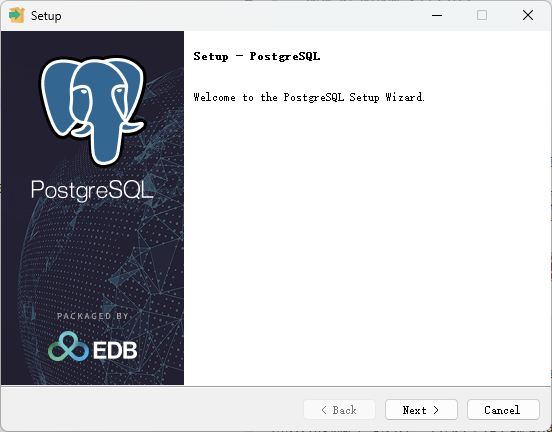
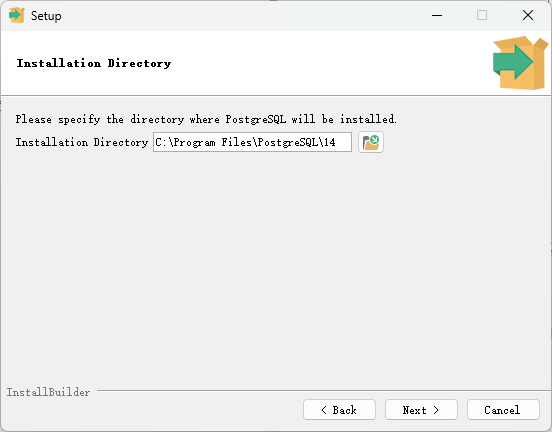
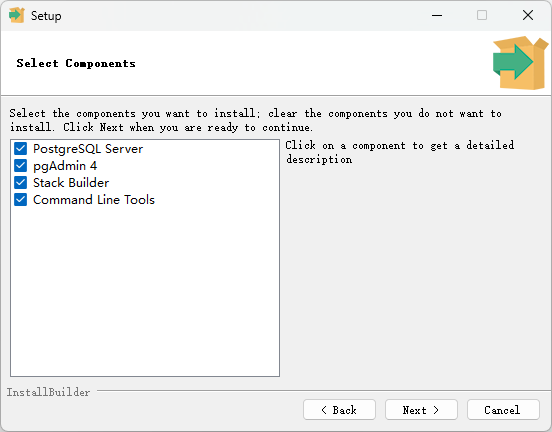
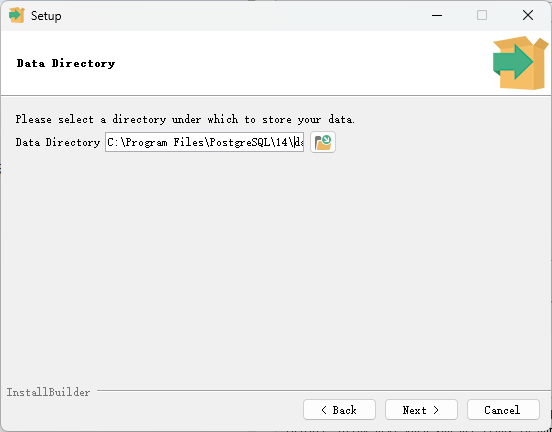
C:\Program Files\PostgreSQL\14\data
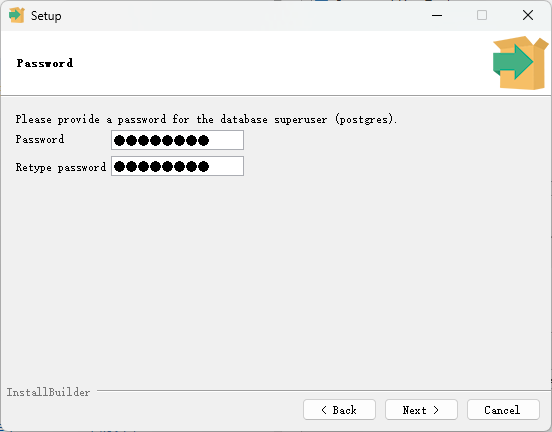
为了演示,超级用户密码,我默认使用了 postgres
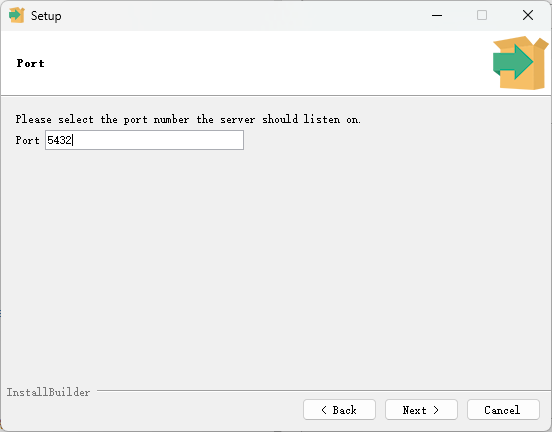
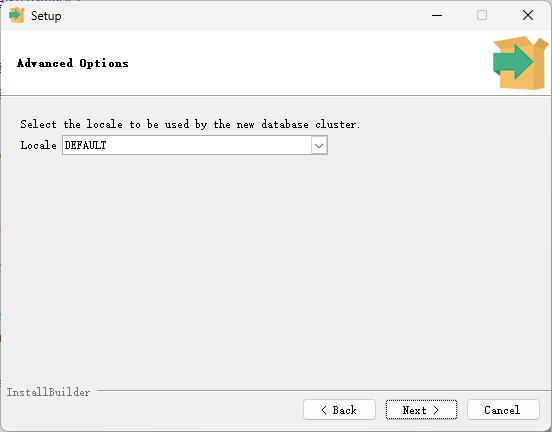
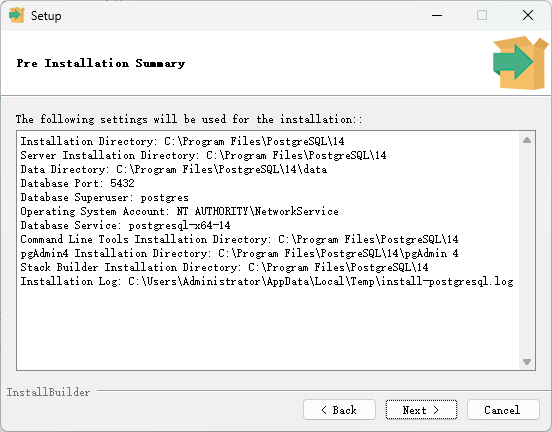
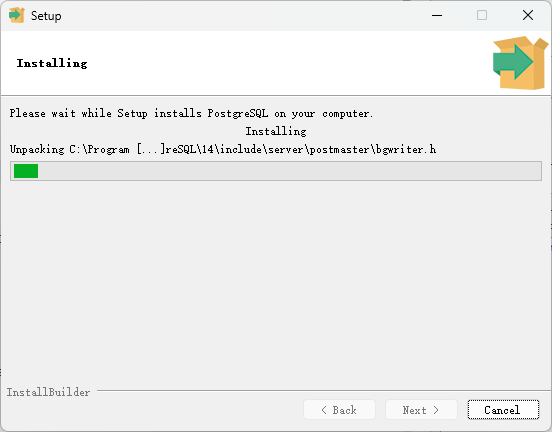
等待安装
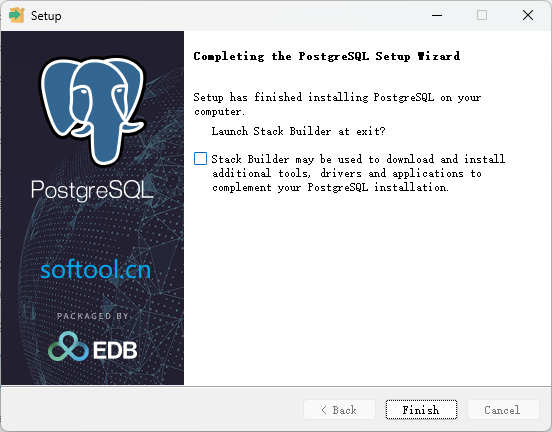
取消勾选 完成。
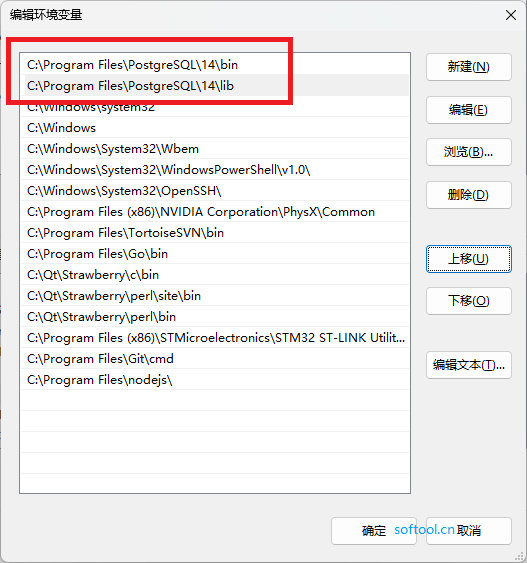
记下当前的安装路径,然后将安装目录下的 bin 和 lib 的全路径添加到系统变量的Path(为了下面第2步setup.exe时找到对应的目标路径)中:
2、再安装 TimeScale
管理员身份运行解压后的 timescaledb-postgresql-14-windows-amd64\setup.exe
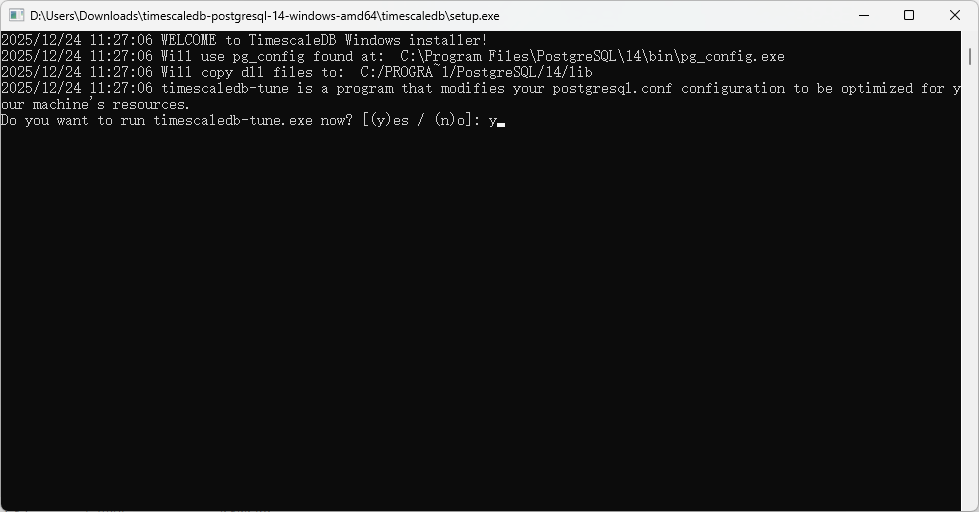
开始填写 postgresql.conf 的路径:
C:\Program Files\PostgreSQL\12\data\postgresql.conf过程如下:
2025/12/24 11:27:06 WELCOME to TimescaleDB Windows installer!
2025/12/24 11:27:06 Will use pg_config found at:  C:\Program Files\PostgreSQL\14\bin\pg_config.exe
2025/12/24 11:27:06 Will copy dll files to:  C:/PROGRA~1/PostgreSQL/14/lib
2025/12/24 11:27:06 timescaledb-tune is a program that modifies your postgresql.conf configuration to be optimized for your machine's resources.
Do you want to run timescaledb-tune.exe now? [(y)es / (n)o]: y
Please enter the path to your postgresql.conf:
C:\Program Files\PostgreSQL\14\data\postgresql.conf
== Using postgresql.conf at this path:
C:\Program Files\PostgreSQL\14\data\postgresql.conf

== Writing backup to:
C:\Users\Administrator\AppData\Local\Temp/timescaledb_tune.backup202512241129

== shared_preload_libraries needs to be updated
== Current:
#shared_preload_libraries = ''
== Recommended:
shared_preload_libraries = 'timescaledb'
-- Is this okay? [(y)es/(n)o]: y
SUCCESS: shared_preload_libraries will be updated

-- Tune memory/parallelism/WAL and other settings? [(y)es/(n)o]: y
== Recommendations based on 7.93 GB of available memory and 4 CPUs for PostgreSQL 14

== Memory settings recommendations
== Current:
shared_buffers = 128MB
#effective_cache_size = 4GB
#maintenance_work_mem = 64MB
#work_mem = 4MB
== Recommended:
shared_buffers = 512MB
effective_cache_size = 6089MB
maintenance_work_mem = 1039265kB
work_mem = 6491kB
-- Is this okay? [(y)es/(s)kip/(q)uit]: y
SUCCESS: memory settings will be updated

== Parallelism settings recommendations
== Current:
MISSING: timescaledb.max_background_workers
#max_worker_processes = 8
#max_parallel_workers_per_gather = 2
#max_parallel_workers = 8
== Recommended:
timescaledb.max_background_workers = 16
max_worker_processes = 23
max_parallel_workers_per_gather = 2
max_parallel_workers = 4
-- Is this okay? [(y)es/(s)kip/(q)uit]: y
SUCCESS: parallelism settings will be updated

== WAL settings recommendations
== Current:
#wal_buffers = -1
min_wal_size = 80MB
== Recommended:
wal_buffers = 16MB
min_wal_size = 512MB
-- Is this okay? [(y)es/(s)kip/(q)uit]: y
SUCCESS: WAL settings will be updated

== Background writer settings recommendations
SUCCESS: background writer settings are already tuned

== Miscellaneous settings recommendations
== Current:
#default_statistics_target = 100
#random_page_cost = 4.0
#checkpoint_completion_target = 0.9
#max_locks_per_transaction = 64
#autovacuum_max_workers = 3
#autovacuum_naptime = 1min
== Recommended:
default_statistics_target = 500
random_page_cost = 1.1
checkpoint_completion_target = 0.9
max_locks_per_transaction = 64
autovacuum_max_workers = 10
autovacuum_naptime = 10
-- Is this okay? [(y)es/(s)kip/(q)uit]: y
SUCCESS: miscellaneous settings will be updated
== Saving changes to: C:\Program Files\PostgreSQL\14\data\postgresql.conf
2025/12/24 11:33:57 Installing TimescaleDB library files...
2025/12/24 11:33:57 Success!
2025/12/24 11:33:57 Installing TimescaleDB control file...
2025/12/24 11:33:57 Success!
2025/12/24 11:33:57 Installing TimescaleDB SQL files...
2025/12/24 11:33:57 Success!
TimescaleDB installation completed successfully.
Press ENTER/Return key to close...
上面setup.exe实际主要完成了以下工作:
- 将 TimeScale 解压缩目录中的所有 .dll 文件拷贝到 PostgreSQL 安装目录下的 lib 目录中;
C:\Program Files\PostgreSQL\14\lib
- 将 TimeScale 解压缩目录中的所有 .control 和 .sql 文件拷贝到 PostgreSQL 安装目录下的 share\extension 目录中;
C:\Program Files\PostgreSQL\14\share\extension
3、测试是否安装成功
开始菜单找到:
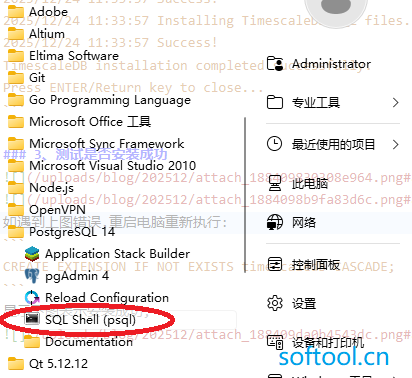
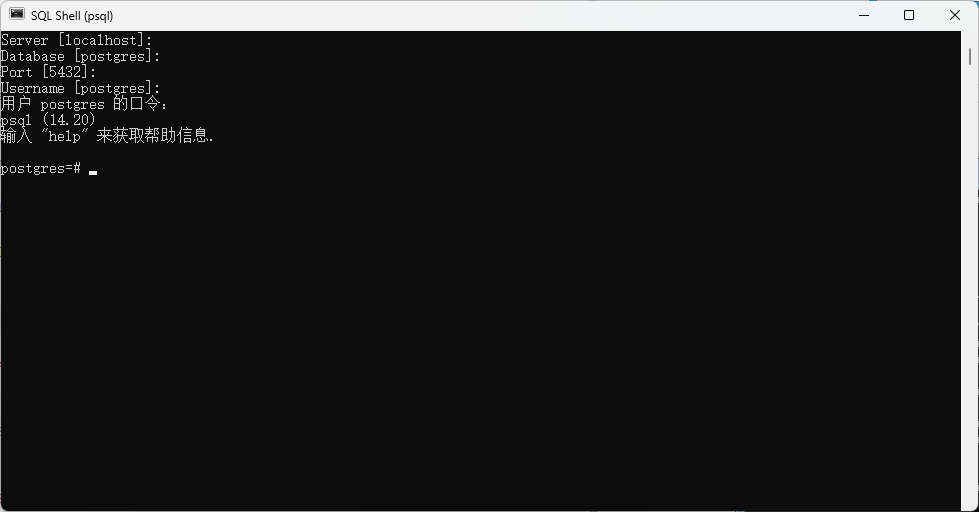
然后默认,最后输入上面安装时设置的超级用户的密码:postgres
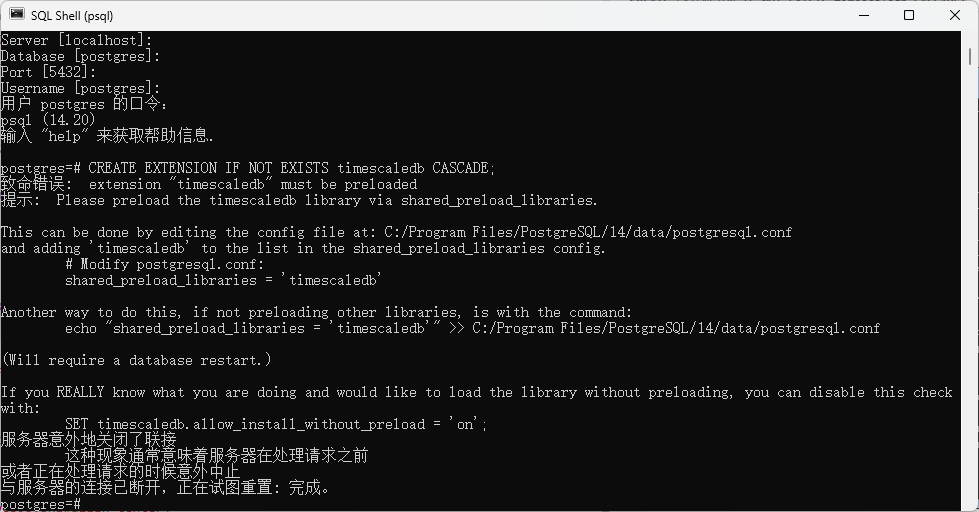
如遇到上图错误,重启电脑重新执行:
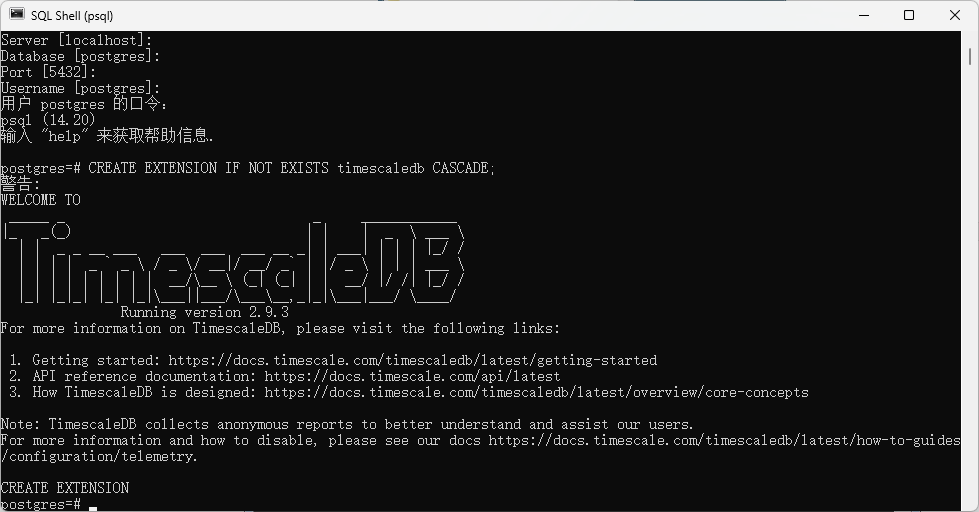
CREATE EXTENSION IF NOT EXISTS timescaledb CASCADE;显示下图表示安装成功;
引用:
- TimescaleDB的安装与基本应用
https://www.bilibili.com/video/BV15e4y177KB/?spm_id_from=333.788- Win7 安装 PostgreSQL和TimeScale
https://www.softool.cn/blog-244.html- windows下postgresql安装timescaledb
https://blog.csdn.net/feinifi/article/details/129962545